How to Signal for Help When Lost Outdoors
From calling with nothing in your pockets to using satellite SOS: choose a signal someone can receive, explain where you are, and keep yourself findable.
Short answer
Key takeaways
- With no equipment, use clear calls, listening pauses, and visible gestures from a stable waiting position.
- Sound and light help nearby observers locate you; an emergency call or supported SOS device can raise an alert beyond that area.
- Whistle conventions vary: learn the local pattern, and always leave pauses to hear replies.
- A satellite device's status matters: activation, alert receipt, and an agreed rescue plan are different stages.
- Once someone has your location, keep the contact useful by following instructions and reporting necessary moves.
You have lost the route, daylight is going, and you need someone to find you. What you do next depends on what is actually available: perhaps only your voice, perhaps a whistle and phone, or a device designed to send an emergency alert beyond mobile coverage.
There are two jobs here: tell someone you need help, and make your position detectable when they are close enough. A bright cloth can help a helicopter crew see you; it cannot notify a service that has no reason to be searching. This guide connects those jobs without assuming a full hiking kit.
Start Here If You Have No Equipment
You stepped into the woods for a short walk or to gather mushrooms. Now you cannot identify the return route, and you have no phone, whistle, light, or pack. Start with your position and the people who might be within reach.
- Stop adding uncertainty. Choose a recognizable stopping point on safe ground. If you are already on a trail, remain connected to it instead of pushing through vegetation for a better view. The Forest Service advises stopping and avoiding aimless movement when lost.
- Call clearly, then leave silence. Try “Help! I'm lost!” in short groups of calls, with pauses to hear an answer. Call again when you hear voices or approaching people. You do not have to shout continuously for the signal to remain useful.
- Make your body visible when there is someone to see it. From stable ground, face an approaching person or visible aircraft and wave both arms overhead. If nobody is visible, keep a view toward the nearby path or opening while continuing occasional calls.
- Use a reply to establish contact. Say whether you can see the person. Describe your immediate surroundings and ask them to tell you where they are. If they cannot reach you, ask them to contact help and report your location as accurately as possible.
Keep the clothing you need for the weather on your body. A clearer view a few steps away can be useful; an uncertain journey toward a distant ridge changes the problem entirely. The woodland navigation guide covers checking a possible return route before deciding to move.
No reply does not prove that a search is underway. If nobody knows your plans, people may not yet realize you are missing. Your immediate result is a stable place from which to call, listen, and be noticed—not confirmation that help has been dispatched.
Choose a Signal Someone Can Receive
Take stock before spending time on an elaborate signal. Identify the resource you have, the person or service it could reach, and what would count as a response.
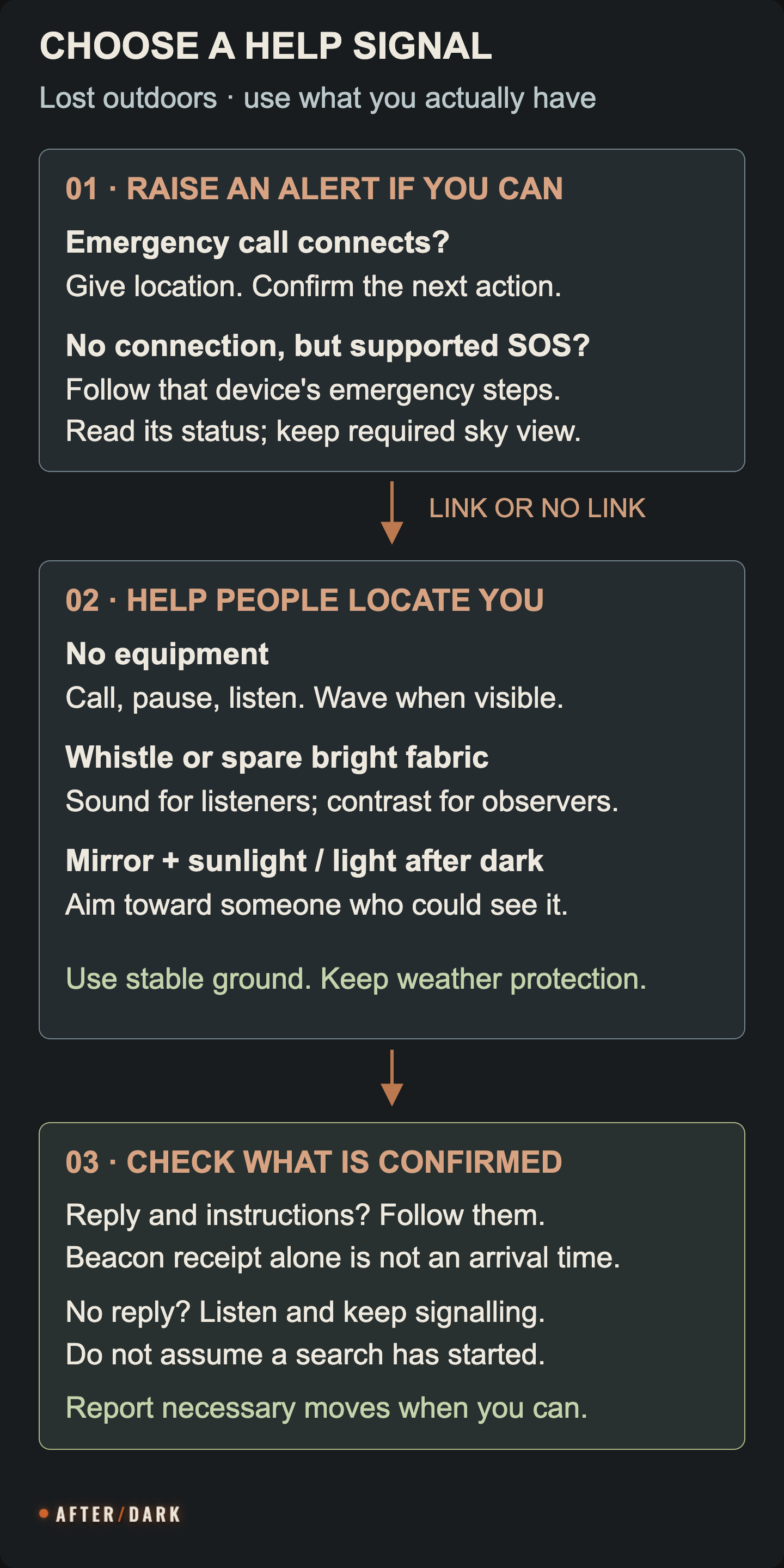
Choose a method by available equipment, conditions, and the person who can receive it.
| What you have | Useful action | Who can receive it / main limit |
|---|---|---|
| No equipment | Call, listen, wave both arms when visible | People within hearing or sight |
| Whistle | Repeat a deliberate distress pattern, pausing to listen | Nearby listeners; terrain and noise affect reach |
| Spare bright fabric | Spread it where visible or wave toward an observer | Someone with a view of your position |
| Signal mirror and sunlight | Aim repeated reflected flashes | An observer along the reflected beam |
| Flashlight or headlamp | Send deliberate light signals after dark | An observer with a usable line of sight |
| Phone with a usable emergency connection | Call the local emergency service and report location | An operator who can arrange the next steps |
| Supported satellite SOS device | Follow its emergency procedure and read the status | The service supported by that device; clear sky and other requirements apply |
Use Sound Without Missing the Reply
A whistle gives you a repeatable signal without relying entirely on your voice. Take it out where you can reach it while waiting, give a distinct pattern, and stop long enough to listen. With companions, agree who is signalling so everyone does not call over a possible answer.
Learn the convention used where you are walking. AdventureSmart recommends groups of three whistle blasts with breaks to listen. Mountain Rescue England and Wales instead teaches six long blasts during one minute, followed by one minute of silence, repeated. Its advice also says to continue signalling after a reply so rescuers can keep locating you. These examples should not be presented as one universal rhythm.
If you do not know the local convention during an actual emergency, make a clear repeated call for help rather than waiting to remember a perfect code. Where speech is possible, use words: “I need help. I cannot find the trail.” Once someone answers, ordinary conversation can explain far more than another pattern.
Listen for names, instructions, and whether the person can see you. A sound heard through trees does not reveal the intervening ground. Answer from your position instead of sending both sides walking toward uncertain echoes. Dense vegetation creates additional visibility problems; the jungle guide explains how to maintain a workable waiting position there.
Make Yourself Noticeable in Daylight
Use contrast and movement
Look at your position from the likely observer's direction. Orange material tucked behind a trunk may be bright to you but invisible from the trail. A spare pack cover or cloth spread against a contrasting background is more useful when it is exposed to that view and cannot blow away.
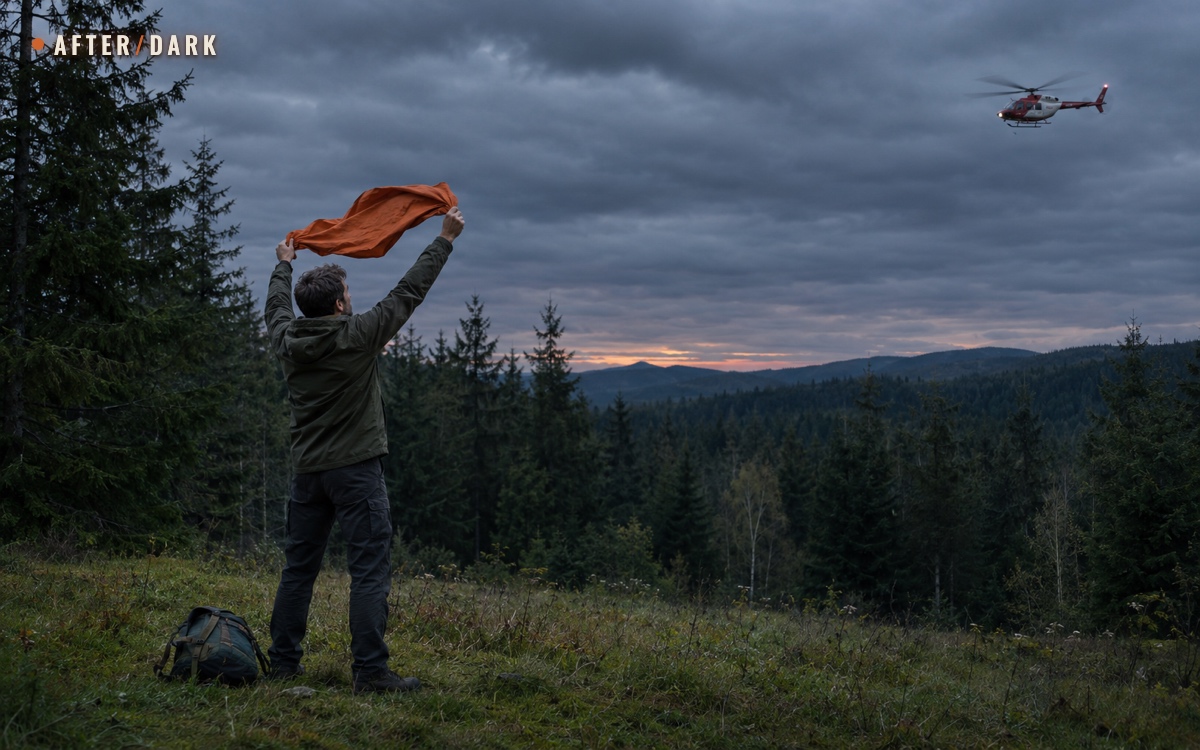
When a person or aircraft comes into sight, wave spare bright material toward them. Without it, wave both arms overhead from safe ground. Keep required weather clothing on; the useful signal is one you can maintain while waiting.
You do not need to hold cloth aloft all afternoon when nobody is visible. Keep it accessible, or displayed beside your waiting place, and watch and listen for a recipient. If trees hide the aircraft, concentrate on the nearby visibility you actually have rather than chasing its sound through the forest.
Aim a mirror instead of merely holding it up
A mirror needs sunlight and an unobstructed reflected path. With a purpose-made signal mirror, use its sighting instructions. For a simple mirror, first find the reflection on a nearby surface. Holding it near your face, extend your other hand toward the target with two fingers forming a V; guide the reflected spot across that sight line to send flashes. Never look directly at the sun.
Recheck your aim as the target moves. Cloud covering the sun changes what the mirror can do; switch to a visible gesture or fabric rather than treating a dark mirror as a working signal. A shiny object buried in a pocket has no signalling value until you can actually direct its reflection.
Signal After Dark With the Light You Have
A flashlight or headlamp can mark your position to someone looking in the right direction. Get familiar with its controls before repeatedly cycling through modes. If it has an SOS mode, check the instructions; a generic rapid strobe is not automatically an SOS pattern.
The National Park Service describes light SOS as three quick flashes, three slow flashes, then three quick flashes. Leave a pause before repeating. Aim toward a visible potential helper or the route from which people could approach, and check for a response between sequences. A light pointed at your boots illuminates your task but may not be visible to someone across the clearing.
Keep enough light available to manage your immediate surroundings. If someone responds, follow their signalling instructions; if nobody is visible, balance periodic signals with the device's remaining power. There is no single flashing schedule that fits every battery, terrain, and search situation.
Waiting also needs a practical place to spend the dark hours. Our guide to being stuck outdoors overnight without a tent covers that separate task, including the person who brought no shelter equipment.
Send a Location That Someone Can Use
If a phone is available, try the local emergency number when you need emergency assistance. A failed ordinary call or your own network's missing coverage does not always establish that an emergency call is impossible. Once connected, follow the operator's questions and make clear that you are lost outdoors.
Prepare a short factual report:
- Who: your name, callback number, and how many people are with you.
- Where: the park or area, trail and entry point, last confirmed landmark, and current coordinates if available.
- What happened: when you lost the route and why you cannot make a safe return.
- What is available: clothing colours, shelter, light, communications, and any immediate constraints the operator asks about.
The Appalachian Trail Conservancy recommends giving location details such as trail mileage or nearby roads and towns. Use the equivalent recognizable details for your actual location. Say “I last passed marker 12” rather than “I am at marker 12” if you have continued walking since then.
Read coordinates exactly as displayed, including direction letters or minus signs, and describe uncertainty. Do not replace a current position with the car park's map pin. A prepared offline map can help identify features even without mobile data, but displaying a map does not itself send your location.
Before an exchange ends, confirm what you should do, how further contact will happen, and whether your location was understood. If only a message to a trusted contact gets through, ask them explicitly to contact the relevant emergency service and reply. An unsent or unanswered message remains an unresolved request. Emergency texting arrangements vary; ordinary SMS is not a universal substitute for an emergency call.
When Mobile Coverage Is Unavailable
A supported phone or satellite messenger
Check the emergency options actually offered by your device. Supported iPhones can offer Emergency SOS via satellite when an emergency call cannot connect. Follow the on-screen questions and pointing guidance from a safe position with a clear view of the sky and horizon. Availability depends on the model, software, and location; a smartphone is not automatically a satellite device.
Supported Pixel satellite SOS also uses on-screen alignment and a message exchange. Keep the required sky view while waiting for replies. Trees and terrain can obstruct the connection, so a nearby safe opening may help; do not turn that into a climb through hazardous ground. The Appalachian Trail Conservancy specifically cautions against seeking high ground during a storm.
For a separate satellite messenger, use its own SOS procedure and check whether its service is active. Watch the delivery and response status. If two-way messaging is available, answer the operator's questions and report relevant changes; for example, Garmin's SOS instructions include replying to the response service. Our guide to communication without mobile service explains how these links differ from ordinary radios and offline applications.
A personal locator beacon
A 406 MHz personal locator beacon sends a distress alert through the satellite search-and-rescue system. It is different from a device that only receives GPS coordinates. Before travel, register it through the appropriate national system and keep its details current.
In an emergency, follow the instructions for that beacon's antenna, orientation, placement, and continued operation. Do not improvise a generic switch sequence. Many beacons provide no two-way conversation; understand the indicators on your model instead of expecting a text reply. Keep it operating as directed rather than repeatedly turning it off to see whether anyone noticed.
After You Make Contact, Keep It Useful
A passing helicopter, a message marked sent, and a responder confirming your location are different kinds of information. Do not invent an arrival time from any of them. Ask for the next instruction when a conversation is possible, and continue making yourself detectable as requested.
Once you have reported a position, avoid unannounced movement. If that place becomes unsafe, move to nearby safer ground and update responders as soon as possible: give the old location, new location, reason, and who moved. A necessary move is easier to account for when it is reported clearly.
Keep the phone or messenger reachable, with alerts audible or visible as conditions allow. In a group, tell everyone the agreed waiting point and who is handling communications. If someone hears an instruction the others missed, repeat it to the group before acting.
When a helper comes into sight, identify yourself and follow their directions. Being noticed does not mean the route between you is usable; let the arriving team explain the next movement. If you reach safety independently, close the loop with whoever is handling the alert.
Make the Next Outing Easier to Find
Before leaving, give a trusted person a trip plan and explain when and how they should raise the alarm. Include the actual route, entry point, companions, and expected return. A contact who only knows “somewhere in the forest” has much less useful information.
Keep a whistle and small light accessible if you carry them, check their operation, and learn the local distress convention. For satellite equipment, practise the approved demo or self-test and verify the service requirements before losing connectivity. Preparation should leave you with an action you can perform, not merely another unopened device in the pack.
Zombie Scenario: A Reply Beyond the Trees
Fictional scenario
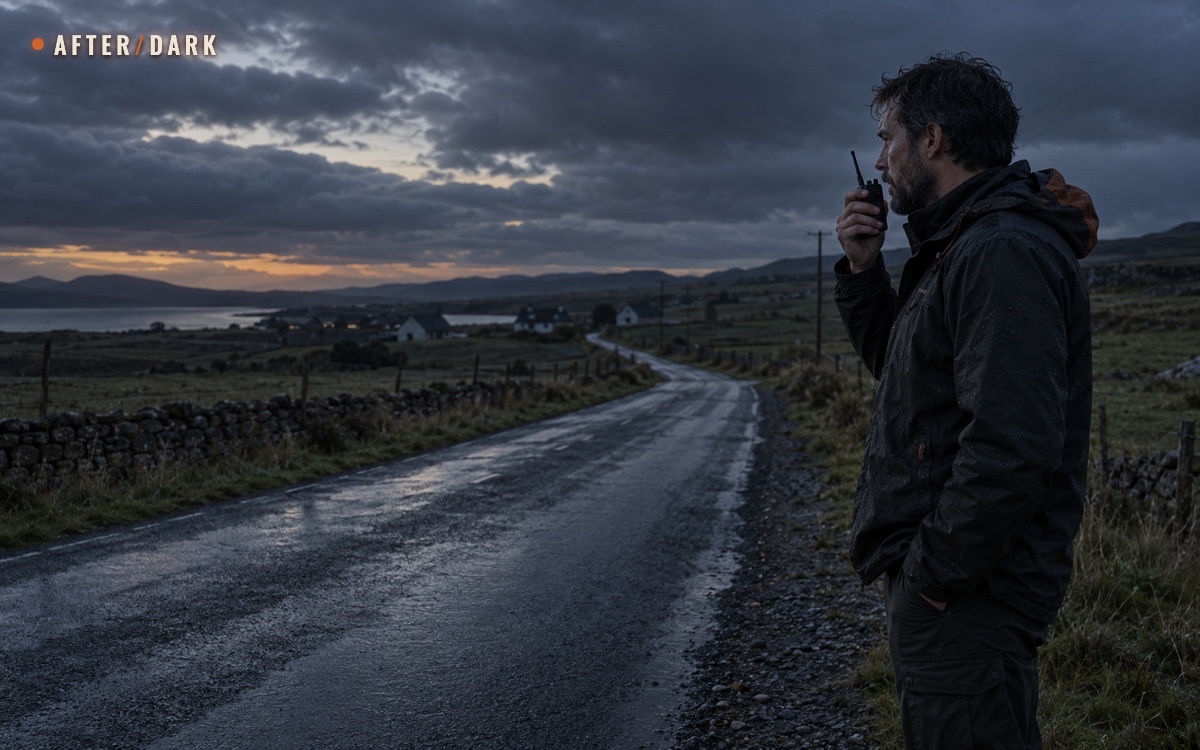
A collapsed footbridge has separated a traveller from the group's planned route during a prolonged zombie outbreak. Mobile service is down, but he still has the group's radio. From a recognizable trail junction, he reports the sign and waits for someone to repeat it back. A companion confirms the location and says which path the group will approach from. When he hears them, he uses his whistle and calls his name during the pause. The radio exchange gave them a destination; the nearby sound helps them identify the waiting point. He does not abandon it to follow an uncertain noise.
Frequently Asked
How far away can someone hear my whistle or see my light?
Does a normal walkie-talkie connect to emergency services?
Can I practise using SOS equipment without starting a rescue?
What does a beacon's return-link confirmation mean?
What if I hear someone else signalling for help?
Should I use my phone's flashlight if its battery is low?
What should children know if they become separated?
What if I get out after someone has already reported me missing?
Sources
- US Forest Service — If You Get Lost
- AdventureSmart — Communication & Signalling
- Mountain Rescue England and Wales — Safety
- Utah Division of Emergency Management — Emergency Signaling
- National Park Service — Outdoor Emergency Plan
- Appalachian Trail Conservancy — Emergencies
- Apple Support — Use Emergency SOS via Satellite
- Google Pixel Help — Get Emergency Help Through Satellite SOS
- NOAA SARSAT — Emergency 406 MHz Distress Beacons
- Garmin — inReach Messenger Plus Owner's Manual: SOS
- NOAA SARSAT — Frequently Asked Questions
- NOAA SARSAT — Emergency Beacon Testing
- AdventureSmart — The Three Ts
Related guides
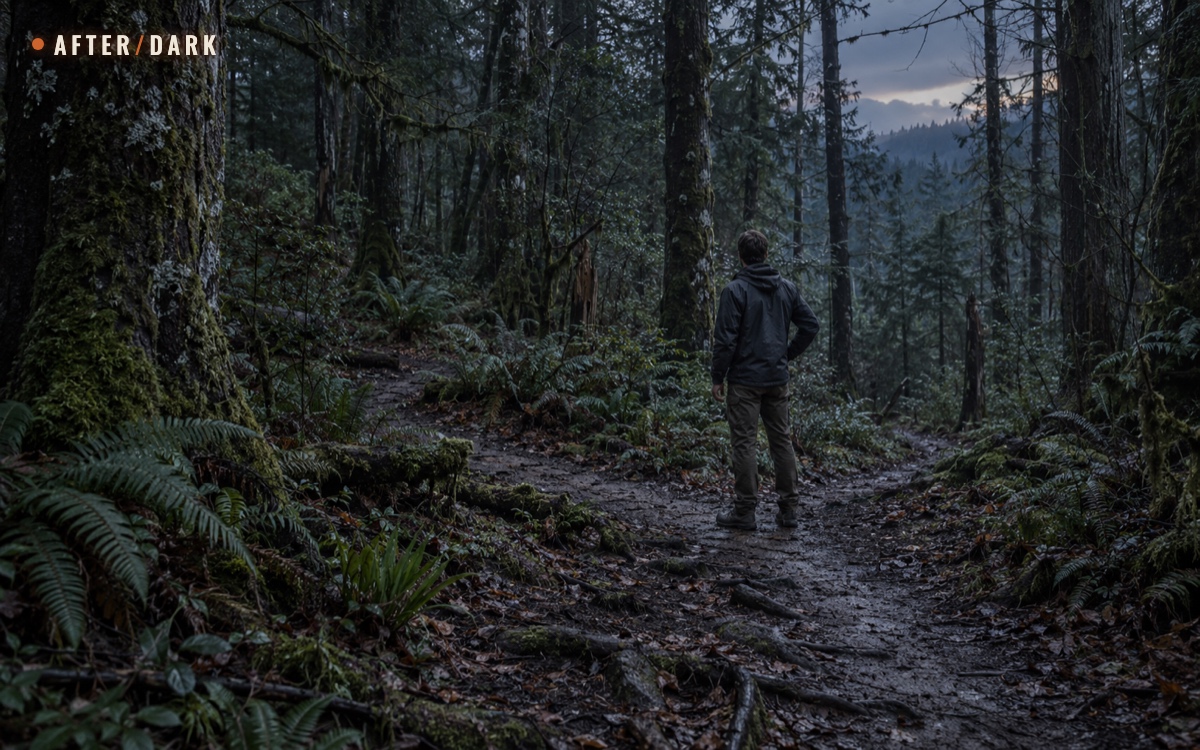
What to Do If You Get Lost in the Woods
A practical plan for losing your way in a forest: recover a known route when you can, and make yourself easier to find when you cannot.
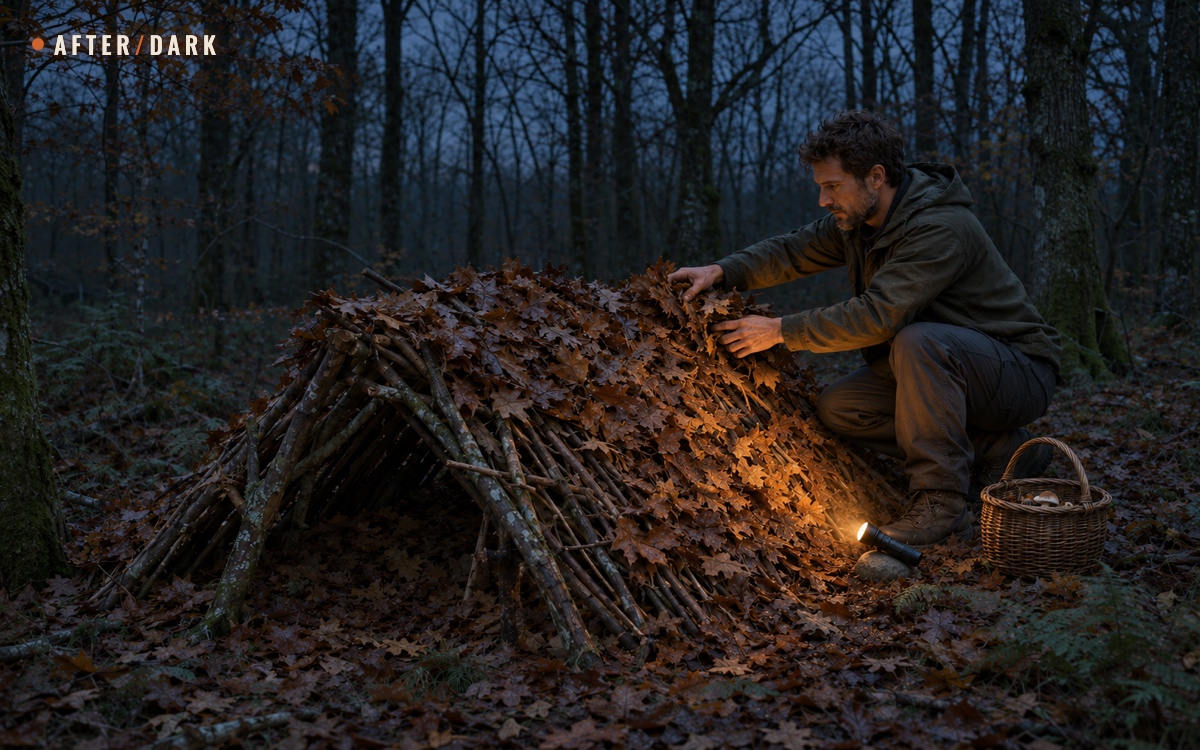
Stuck Outdoors Overnight: What to Do Without a Tent
A day walk can become an unplanned night outside. Choose a sheltered position, use what you actually have, and make the next few hours manageable.
How to Communicate Without Cell Service or Internet
Choose a way to exchange messages during an outage or beyond coverage, including what to do with only a phone or no working devices.